EXTENDING THE LIFE OF YOUR PROFESSIONAL LEARNING
Professional learning opportunities, specifically workshops and conferences, are among the most exciting places to be as an early childhood education and care leader. The chance to step away from your day-to-day work, reflect deeply on your growth and the state of the profession, and learn from many diverse individuals is stimulating and dynamic. It can also bring unique challenges, namely, what do you do when it's over?
You may feel overwhelmed, inspired, or fatigued. These are all normal. But once you've unpacked your bags and gotten a good night's sleep, you'll want to capitalize on all you took away from your professional development experience. Using the ideas below, you can ensure that your insights and learnings continue growing beyond the days you attended the conference. Instead of gathering dust, you'll gather momentum.
ORGANIZE YOURSELF
You’ve likely come out of this experience with much more than you entered it with: intangibles, like ideas, wonderings, a-ha moments, and likely many tangibles like notes, flyers, brochures, and branded gifts! It can feel like an overwhelming amount of “stuff.” Dedicate time to sort through it all. Determine what you want to keep, and put things where they belong. Organize these items according to your intended use. Here are some suggestions for how that might look:
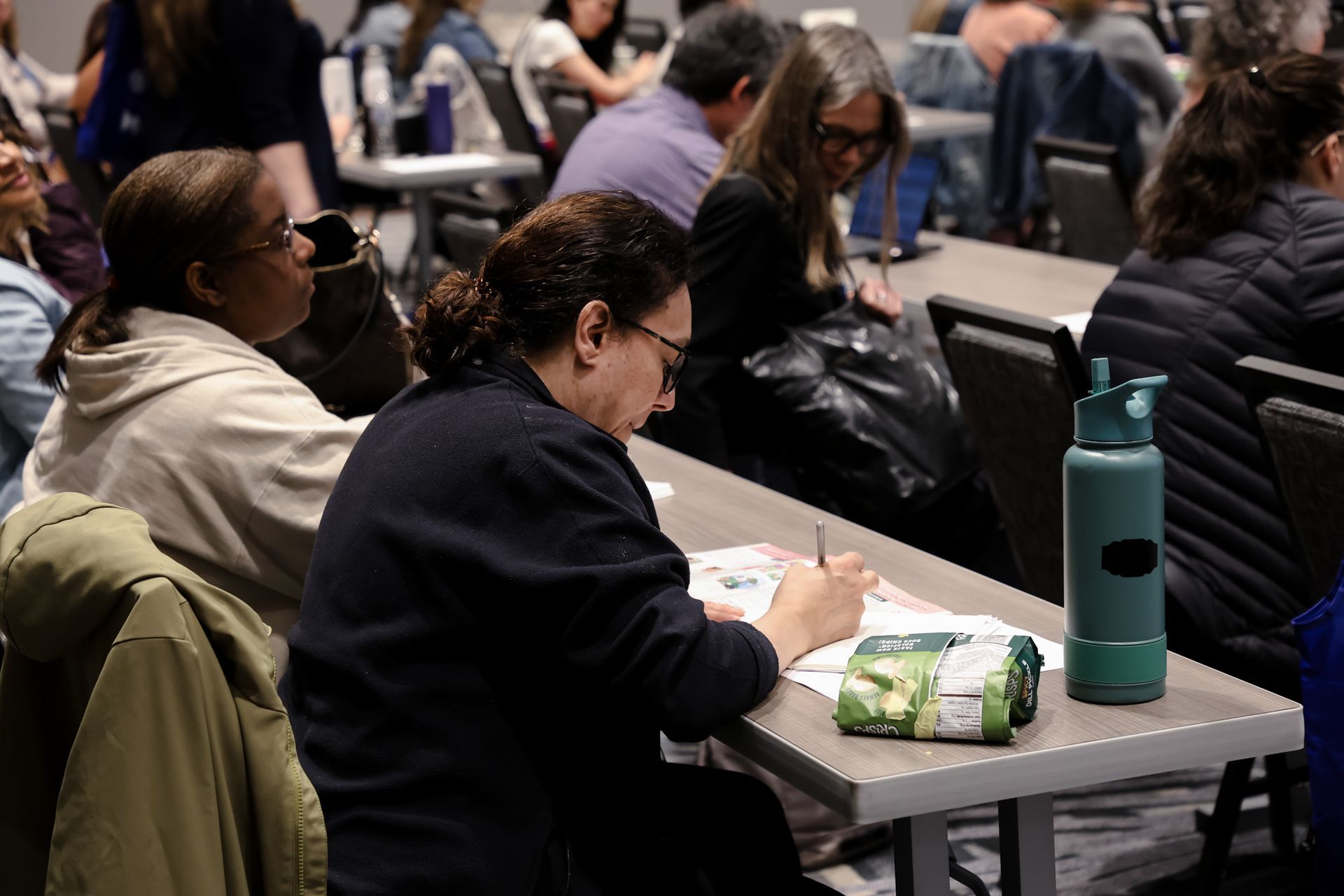
- Notes: You likely took many notes, and you may have them in a multi-media format (something scribbled on a post-it, perhaps, or a photo of a slide). Bring all of the information you want to remember to a central location. You may like to type up everything into a document. You could have a folder on your computer for professional development containing a Word document for each conference and workshop you attend. Or you can group items by function. For example, all your notes on compliance may go with your previous professional development on licensing and compliance. Whatever the system, ensure your new learnings quickly join the rest of your information and knowledge.
- Promotional materials: Water bottles, notepads, and product samples. The list goes on. Sort through those things and put them where they need to go. For example, my McCormick Institute for Early Childhood tote is stored with my reusable grocery bags, and my Leadership Connections 2026 boat is in my desk drawer, ready to squeeze in a stressful moment.
- Connection materials: These are the business cards you may have collected. Any brochures or handouts for organizations you want to follow also belong here. You'll want them together to use them for the next step.
REFLECT AND CONNECT
You'll want to think deeply about all the information you took in. It likely all seemed vital and exciting in the moment, and much of it still is. But now that you're out of the excitement and long days that come with conferences, determine the most helpful information. Make a list of what you want to keep front-of-mind.
And once that’s done, remember the little stack of connection materials you made? Go through them! This is one of my favorite parts about a professional development experience – you've met wonderful people and don't want that professional bond to end. Whatever social networks you use, jump on and connect! Maybe it's following
Michelle Kang on LinkedIn after her remarks at the Colloquium or browsing the new
MIEC website. Was there a presenter you couldn't stop thinking about? Find them and send them a message – tell them how exciting it was to sit in their session. You'll never know when these professional acquaintances will have a meaningful impact on your growth.
DEBRIEF WITH COLLEAGUES
A colleague once said that the best way to learn something is to teach it to someone else. If your colleagues did not have a chance to join you in this experience, bring the experience to them. Schedule a lunch-and-learn with your staff to share the knowledge you gained with them. Use this as an accountability checkpoint for yourself. You can discuss any actionable changes you're considering with them so they know what to look for. Make it exciting! Show the photos you took, and display the additional materials presenters posted in the conference app (for example, the
LC25 App or here for Android phones).
If you were able to attend with colleagues, schedule a separate debrief with that group. Share what you learned with one another. Someone may have a perspective from a workshop you hadn't considered. This helps maintain accountability and lets you process all your learnings.
TAKE SUSTAINABLE ACTION
You likely want to do so much based on all the learning you did. Start immediately by taking one small action. It can be as small as emailing your local legislator and discussing the importance of quality early-childhood learning experiences for all children. Maybe you want to purchase a copy of
Dan Wuori's book to put in your site’s professional development library. Was there a
Professional Learning offering that you wanted to recommend to a colleague?
Extend your learning onward
The most crucial step to take is to keep the momentum going. Your energy and enthusiasm about what you've learned may not always be as high as it is right after a conference. Use this opportunity to plan intentional experiences for your future self. You may want to research and register for other workshops related to the informative sessions you attended. You could schedule regular reflective sessions for your leadership practice and check in with how you're applying those actionable steps from above. It could be as simple as marking your calendar for Leadership Connections 2026. Whatever your next step is, your look to the future will propel your professional development onward while keeping you connected to the knowledge you've gained.