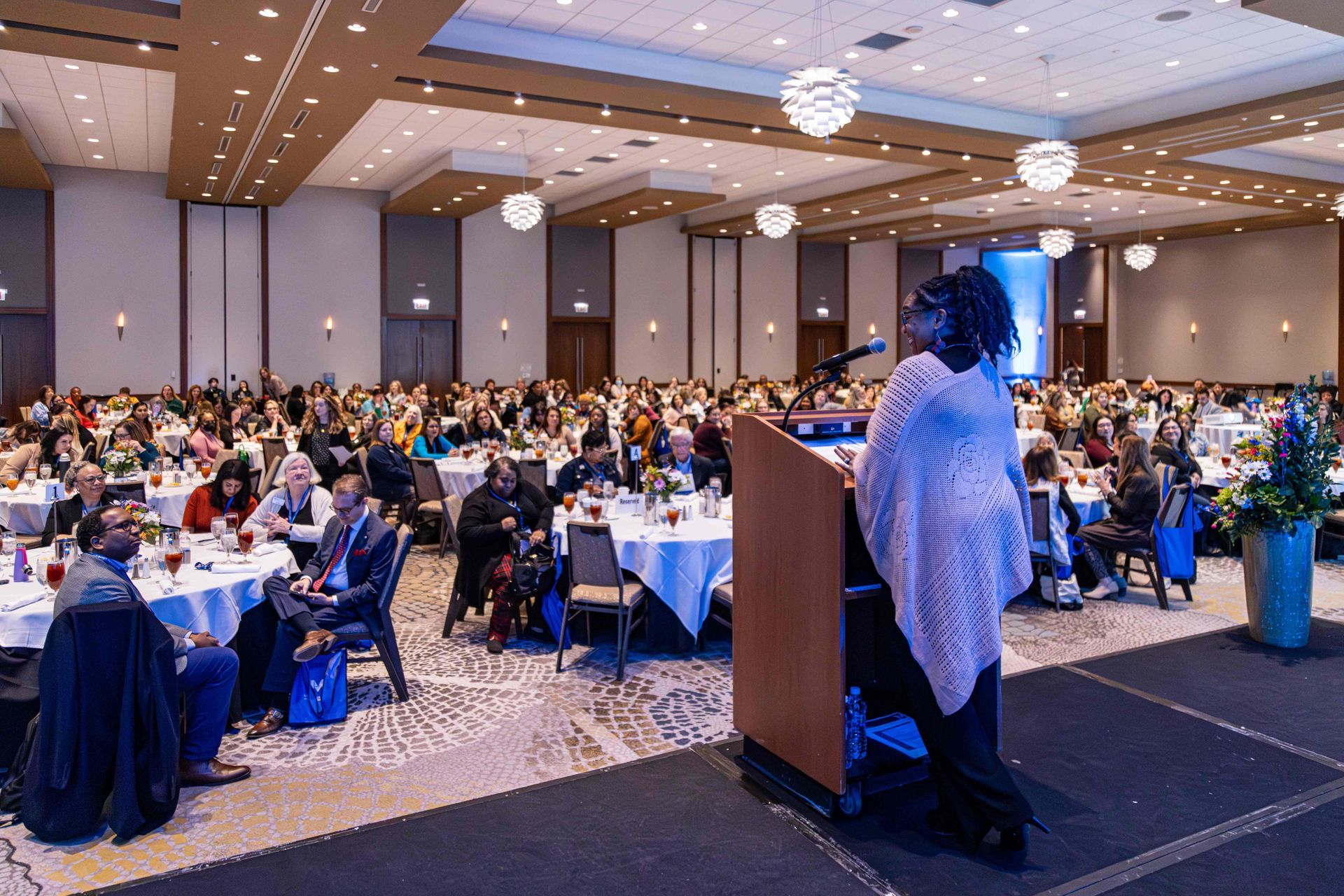
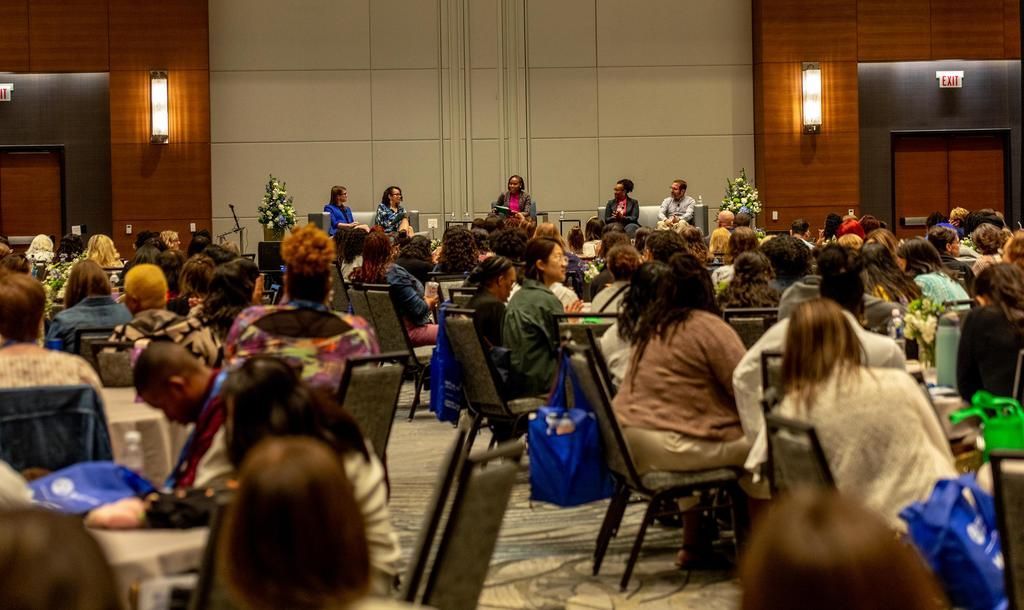
This conference definitely helps our business. Like I said, it's really an opportunity for us to highlight all the products that we have that are new and exciting. I try to bring and highlight things that are new this year. Pretty much everything on this table are new products for 2026. And what makes this conference different? I think it's just really there's a lot of decision makers here, which is really good for us as a business to be talking to childcare owners, to actually, the providers that are in the classroom, and connect with even larger centers that have multiple locations. And it gives us that time to really have that in-person connection that we don't often get to have. So it's kind of like a bang for your buck you get to see lots of different customers over a short course of time because the conference is only a day and so it gives us a chance to connect with a lot of customers and get our products out there.
In May, at the 2026 Leadership Connections national conference , we set out to learn about the experiences of early childhood coaches during a workshop session titled Strengthening Coaching Systems for Early Childhood Leaders . The workshop session was an information-gathering opportunity in which coaches and leaders in the early childhood education and care (ECEC) field shared their perspectives on the profession through group discussions and anonymous surveys. Thirty-one participants attended the session, representing a variety of roles: coaches, consultants, directors, resource and referral specialists, and family child care professionals. The participants brought a range of experience, reporting 1-44 years in the ECEC field and 1-33 years in their coaching roles. During the session, individuals were invited to complete an open-ended survey to discover what coaches perceived as their strengths and challenges, as well as resources that supported their work at various points in their coaching careers. Group discussions during the session also focused on brainstorming the foundational skills and professional resources coaches need to address common challenges (e.g., using data for coaching, coaching partner resistance, facilitating learning, and coaching partner follow-through). After the conference, we reviewed and reflected on survey responses and discussion highlights that resonated with multiple participants. This article highlights some key takeaways from our session. COACHING STRENGTHS Participants often mentioned relationship-building skills and empathy as coaching strengths. Coaches described their ability to connect with others and build relationships as a fundamental coaching skill. Some attributed their confidence in connecting with coaching partners to their shared professional backgrounds and experiences. Participants described relationships with coaching partners as requiring initial focus and ongoing attention. They talked about efforts to build connections and to sustain those relationships over time, with trust, patience, and strong communication emerging as important aspects of relationships. Coaches also identified these qualities not just as strengths, but as necessary skills for navigating challenges. For example, one group’s insight was that, to best support coaching partners who struggle to follow through on plans, a coach needs to be skilled in maintaining strong coaching relationships over time. Similarly, participants identified patience and communication as especially important skills when facing resistance to change. This suggests that meaningful coaching relationships are not simply established at the beginning of a coaching partnership but are continually nurtured through communication, empathy, patience, and intentional efforts to maintain trust. Several coaches also identified their ability to understand their coaching partners’ perspectives as their greatest strength. In discussions, empathy was repeatedly mentioned as a skill professionals needed to support a resistant coaching partner. Others included attributes such as compassion and recognizing that educators are human first. The consistency of these attributes and skills across survey responses and group conversations highlights the central role of relationships and emotions in coaching. Relationship-building is both a foundational coaching skill and an ongoing resource that coaches draw upon. Meanwhile, empathy is an important practice for ensuring that coaching relationships endure, and coaches can navigate challenges successfully. COACHING CHALLENGES The challenges that participants identified centered around three broad themes: resistance to change, technical coaching skills, and knowledge of coaching. Resistance to change emerged as a particularly common challenge. Participants described several specific challenges in supporting those who were not open to being coached, including having productive, difficult conversations, addressing a lack of follow-through, and addressing coaching partners’ areas for growth. A constant need to enhance their technical coaching skills also emerged as a common challenge. These included learning new assessment tools, understanding policies, adapting to changes in state standards, and meeting coaching compliance requirements. Finally, participants identified general knowledge about coaching as an area where they wanted more training and confidence. They identified a desire to better understand how to facilitate adult learning, offer more effective feedback, navigate challenging coaching relationships, and approach the more relational aspects of the role. These challenges point to the knowledge and skills needed to understand not just what coaches do, but how to engage coaching partners in meaningful learning and change. Participants had an opportunity during the session to share ideas and resources for working through these challenges. They identified supports such as books, professional development opportunities, and mentorship experiences. CONCLUSION This session reinforced for us the value of creating opportunities for coaches to learn from one another, share strategies, and identify resources to navigate the complex relational aspects of coaching. When following up with workshop participants, we received one response that encapsulated what coaches in the session were feeling: “Coaches spend a great deal of time encouraging, motivating, and problem-solving for others, yet they often have limited opportunities to receive coaching themselves or process the emotional demands of the role. Providing regular reflective supervision, peer mentoring, and communities of practice where coaches can openly discuss challenges, exchange ideas, and celebrate successes would strengthen the coaching profession.” This leads to one of our biggest takeaways as facilitators: Relationship-based professionals need and want their own relationship-based professional learning . SELF-REFLECTION Consider these reflection questions as you think about your own coaching experience. Where do you continue to feel confident or well-supported? What challenges do you encounter in your coaching work? What areas might you want to strengthen, revisit, or explore through professional development? WE WANT TO HEAR FROM YOU! We welcome your insights. If these reflections encouraged you to think more deeply about your own coaching practice and you would like to share your thoughts with the Leadership Coaching team, we can be reached directly at LeadershipCoaching@nl.edu . We will be at the ILAEYC Growing Futures Conference in Springfield, IL, from October 15 - 17, 2026, and the Zero to Three LEARN Conference in Portland, OR, from October 27 - 29, 2026. If you prefer to connect with us via email, you can reach the Leadership Coaching team directly at LeadershipCoaching@nl.edu . Do you provide technical assistance, coaching, consultation, or other professional support in early childhood education and care? Share your experience in the Technical Assistance Role Perceptions in ECE study from the McCormick Institute for Early Childhood Leadership at National Louis University. This confidential, voluntary survey takes about 15–20 minutes and explores TA roles, responsibilities, work conditions, and professional learning needs. Your input can help inform future training, resources, and opportunities for the TA workforce. https://survey.alchemer.com/s3/8980835/TaRPeResource2026 The study is being conducted by Robyn Kelton M.A., Director of Data and Evaluation, Assistant Professor; Dr. Xiaoli Wen, Senior Director of Research at McCormick Institute for Early Childhood, Professor in ECE at National College of Education; Dr. Adrian Rivera-Rodríguez, Research Associate; and Nudrat Hassan, M.P.H, Data and Evaluation Coordinator of the McCormick Institute of Early Childhood at National Louis University. Contact Robyn Kelton robyn.kelton@nl.edu for questions or more information. Participation is voluntary, and you may stop at any time. Responses will be anonymous and reported only in aggregate; no individual participants will be identified.
Save the date for Leadership Connections 2027 on May 19-21 in Schaumburg. Join early childhood leaders for interactive sessions & growth strategies.
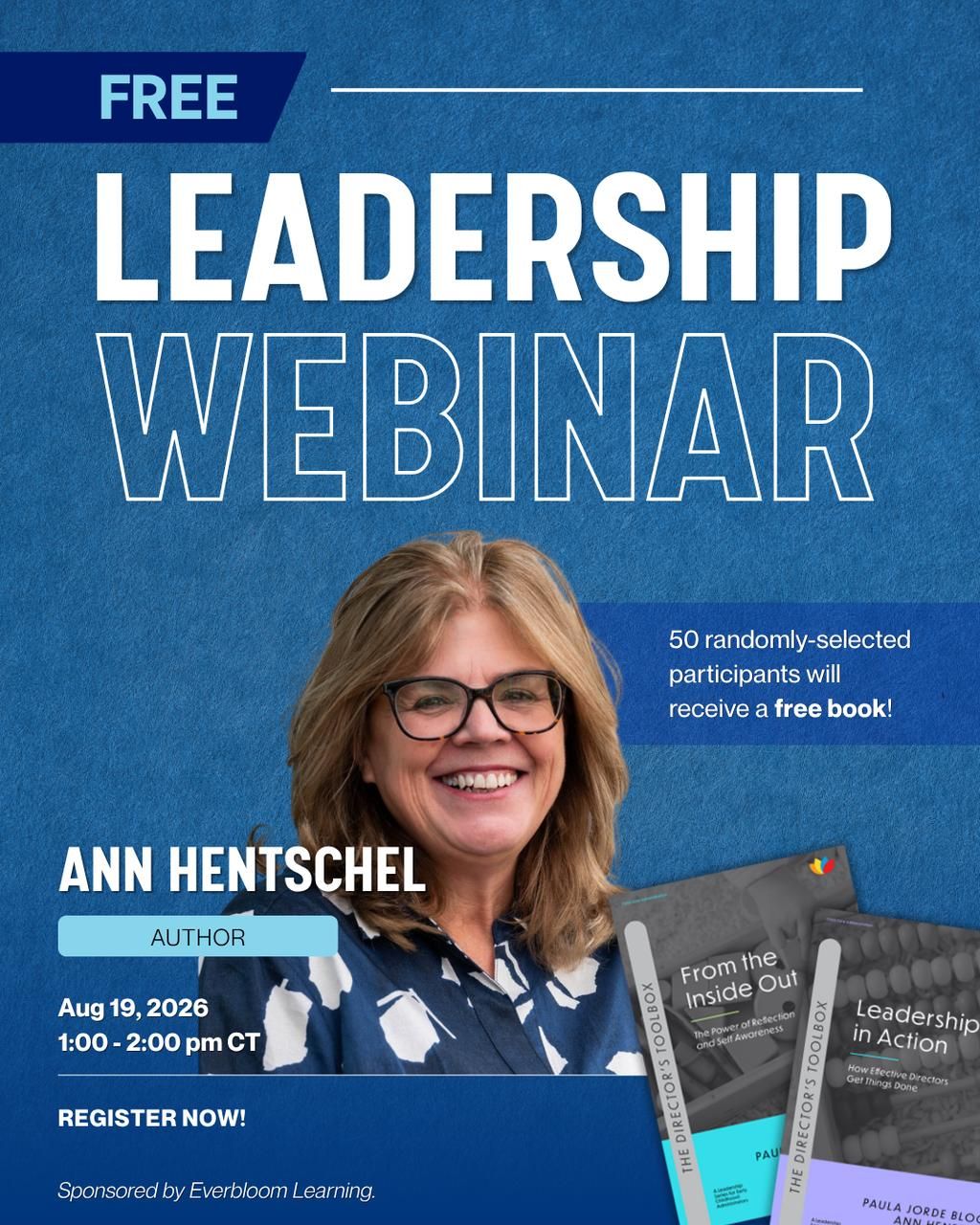
Join our webinar on leadership in early childhood. Gain tools for Values Clarification & Distributed Leadership. Register now!
Effective leadership begins from within. This interactive webinar invites early childhood leaders to pause, reflect, and reconnect with the values and practices that fuel purposeful, resilient leadership. Participants will move through three connected topics: Values Clarification, to examine what drives their leadership and where alignment gaps exist; Deep Listening, to strengthen the emotional intelligence and relational trust at the heart of team culture; and Distributed Leadership, to build the organizational capacity that sustains teams through change. Participants leave with three practical tools they can use immediately with their teams — and a personal commitment to carry the work forward. Presented by Ann Hentschel

Learn how Makisha Binns improved her child care business with McCormick Institute’s leadership programs. Start your journey today!
Reflect on your leadership style in early childhood. Enhance your skills with our expert guidance and training at the McCormick Institute.
Explore leadership coaching for early childhood administrators. Enhance skills & improve program quality. Contact us for training options.
Reflect on coaching beliefs with our questionnaire for early childhood professionals. Enhance your leadership skills today!
Join our five-day PAS-3 Reliability Training to enhance your skills in early childhood assessment. Register now for professional development!